
Connect to ShadowDM
Follow these steps to securely link your Instagram account to ShadowDMusing our new direct login system.
The Connection Process
1
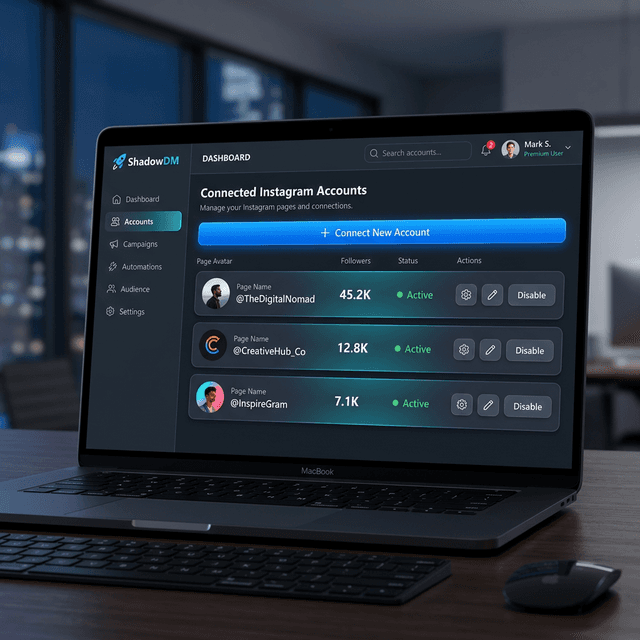
Go to your Dashboard and click on 'Connect Account'.
2
You will be redirected to the secure Instagram Login portal.
3
Log in to the Instagram Professional or Creator account you wish to connect.
4
Review and grant the required permissions for ShadowDM to manage your content and messages.
5
Once confirmed, you'll be automatically redirected back to your dashboard with your account synced.
Secure Direct Login
We use official Meta login protocols. We never see or store your Instagram password. You can revoke access at any time through your Instagram security settings.
Permissions Required
- Instagram Media Access:Allows us to schedule posts, reels, and stories on your behalf.
- Instagram Messaging:Required for DM automation and replying to comments from the dashboard.
- Insights & Analytics:Enables us to track your content performance and engagement metrics.